
Posted Feb 19, 2026
Net Commander: network operations inside VS Code
Why bounce between terminal tabs, browser tabs, and scratchpads during an incident? Keep your diagnostics where your code lives.
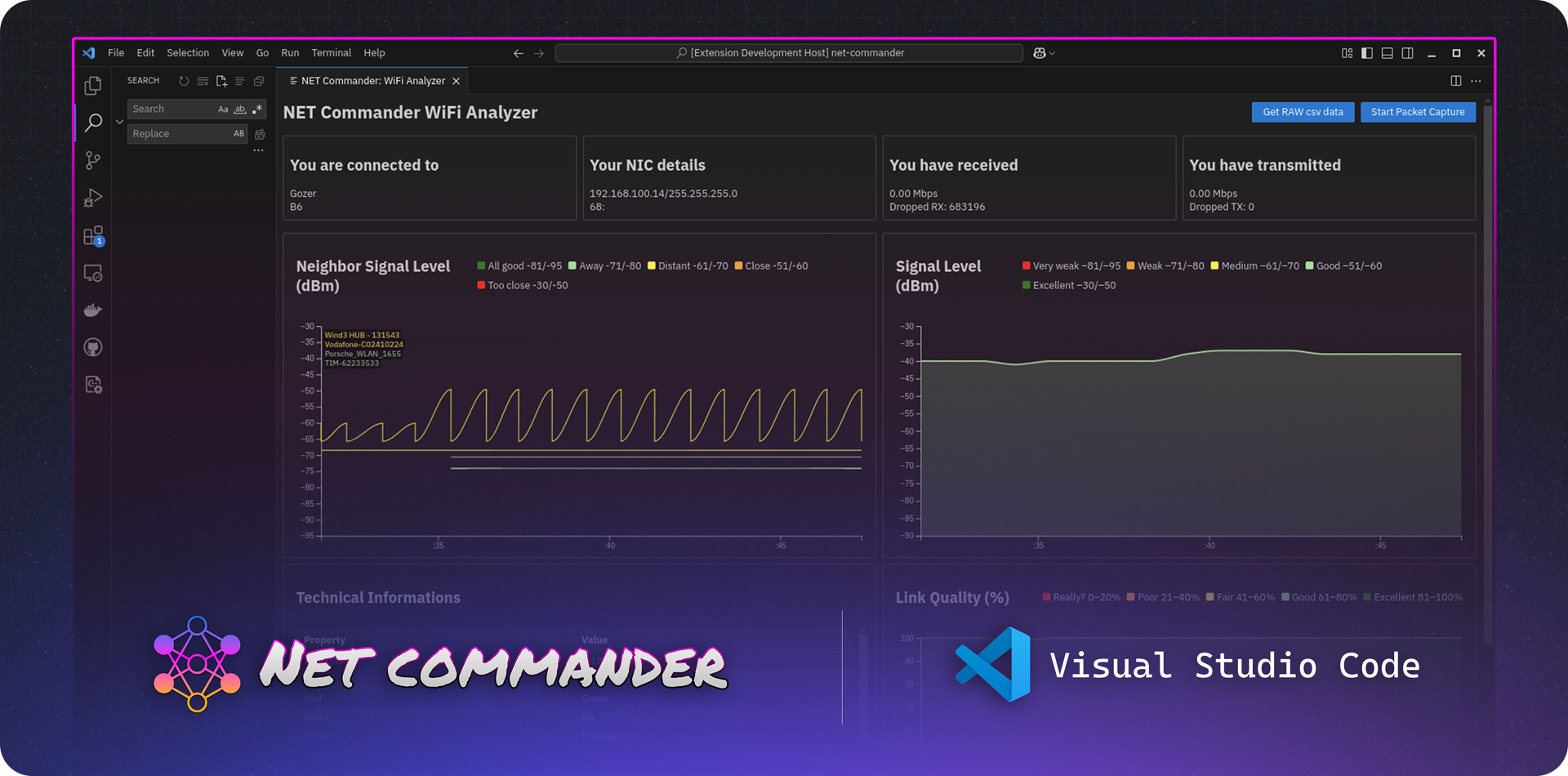
If you spend your workdays bouncing between terminal tabs, web browser lookups, scattered Excel subnets sheets, and half-written incident notes, you already know the real cost:
- Context-switching fatigue (where mistakes usually happen).
- Best-guess troubleshooting when the pressure is high.
- Information silos and missed details.
- Frustration from managing dozens of open windows.
Net Commander is my attempt to fix this. It is a free, open-source network engineering toolkit built directly inside Visual Studio Code. It keeps you in one place, allowing you to troubleshoot end-to-endfrom quick connectivity checks to structured, data-driven Root Cause Analysis.
The architecture of a fix
Most of us already live inside our IDEs. Yet, the moment a network issue hits, we desert the IDE. We jump to external SSH terminals, search for PeeringDB records in a browser tab, open subnet calculators online, and screenshot terminal outputs.
I wanted to consolidate this scattered workflow. Net Commander provides a unified diagnostic workspace:
- Supercharged Ping & Traceroute: Run checks against a single host, multiple comma-separated targets, or entire CIDR blocks simultaneously.
- Instant Lookups: Query IANA ports, public IP/ASN metadata, and PeeringDB records instantly.
- Subnet Calculator: RFC-compliant CIDR math and “what-if” subnet simulations.
- Wi-Fi Survey & Captures: Run quick surveys and initiate capture workflows (ready for deeper Wireshark analysis).
- SSH Profiles: Manage fast host jumps without configuring complex local SSH configs.
- Network Config Colorizer: Code highlighting for network configs with inline public/private IP detection and tooltips.
- Root Cause Analysis Checklists: Run platform-specific diagnostic steps for Cisco, Arista, Ciena, Azure, AWS, and GCP.
Who is Net Commander for?
- Network Engineers managing physical and logical deployments in the field.
- DevOps / SRE Teams who need quick, repeatable connectivity validations.
- Solution Architects verifying address plans, migrations, and routing topology.
- Anyone who wants to stop guessing and start running evidence-driven troubleshooting.
The Goal is the workflow
The goal of Net Commander isn’t to give you “more commands.” The goal is to build a better workflow:
- Find evidence faster without leaving your editor.
- Capture data consistently across systems.
- Export results cleanly in CSV format to paste into incident tickets.
- Eliminate distractions (like browser search rabbit holes).
Get the Extension
You can find Net Commander in your IDE marketplace or grab it here:
- VS Code Marketplace: Net Commander for VS Code
- Open VSX Registry: Net Commander for VSCodium